The Q, A, Q/A, and C buttons control how each spoken paragraph is labelled and styled within your finished transcript. You’ll find them within the Top Controls bar at the top of the Playback & Edit screen in Loom Analytics Web.
Transcripts are produced using your organization’s templates, so Question, Answer, and Colloquy formatting is applied automatically when the document is generated. You don’t need to type labels or adjust indentation by hand. Simply mark each paragraph with the correct button, and the template takes care of the rest.
| Button | Label Applied | Use It For |
|---|---|---|
| Q | Question | A paragraph where the examining party asks a question |
| A | Answer | A paragraph where the witness responds |
| Q/A | Question & Answer | Applying Question/Answer formatting to paragraphs |
| C | Colloquy | Discussion that isn’t part of the questioning, such as remarks between counsel and the court |
The Q&A Buttons
The Q (blue) and A (green) buttons mark the current paragraph as either a Question or an Answer. They’re the first two buttons within the Top Controls bar.
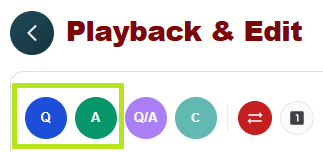
- Q labels the paragraph your cursor is in as a Question.
- A labels the paragraph your cursor is in as an Answer.
Use these during examination, when one party asks questions and the witness responds. When the transcript is generated, your organization’s template applies the correct Question and Answer formatting to each marked paragraph.
The Q/A & C Buttons
The Q/A (purple) and C (teal) buttons mark paragraphs as Question, Answer, or Colloquy. They sit directly to the right of the Q&A buttons.
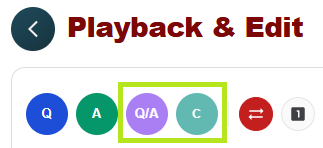
- Q/A applies Question/Answer formatting to the paragraph.
- C labels the paragraph as Colloquy.
Colloquy is any spoken exchange that isn’t part of the formal questioning, such as discussion between counsel and the court, objections argued at length, or remarks on the record. Marking these paragraphs with C ensures your organization’s template styles them as Colloquy rather than as a Question or Answer.
How to Label a Paragraph
Labelling a paragraph takes one click once your cursor is in place.
- Open your assignment in Playback & Edit.
- Click anywhere inside the paragraph you want to label.
- In the Top Controls bar, click Q, A, Q/A, or C.
- Repeat for each paragraph as you work through the transcript.
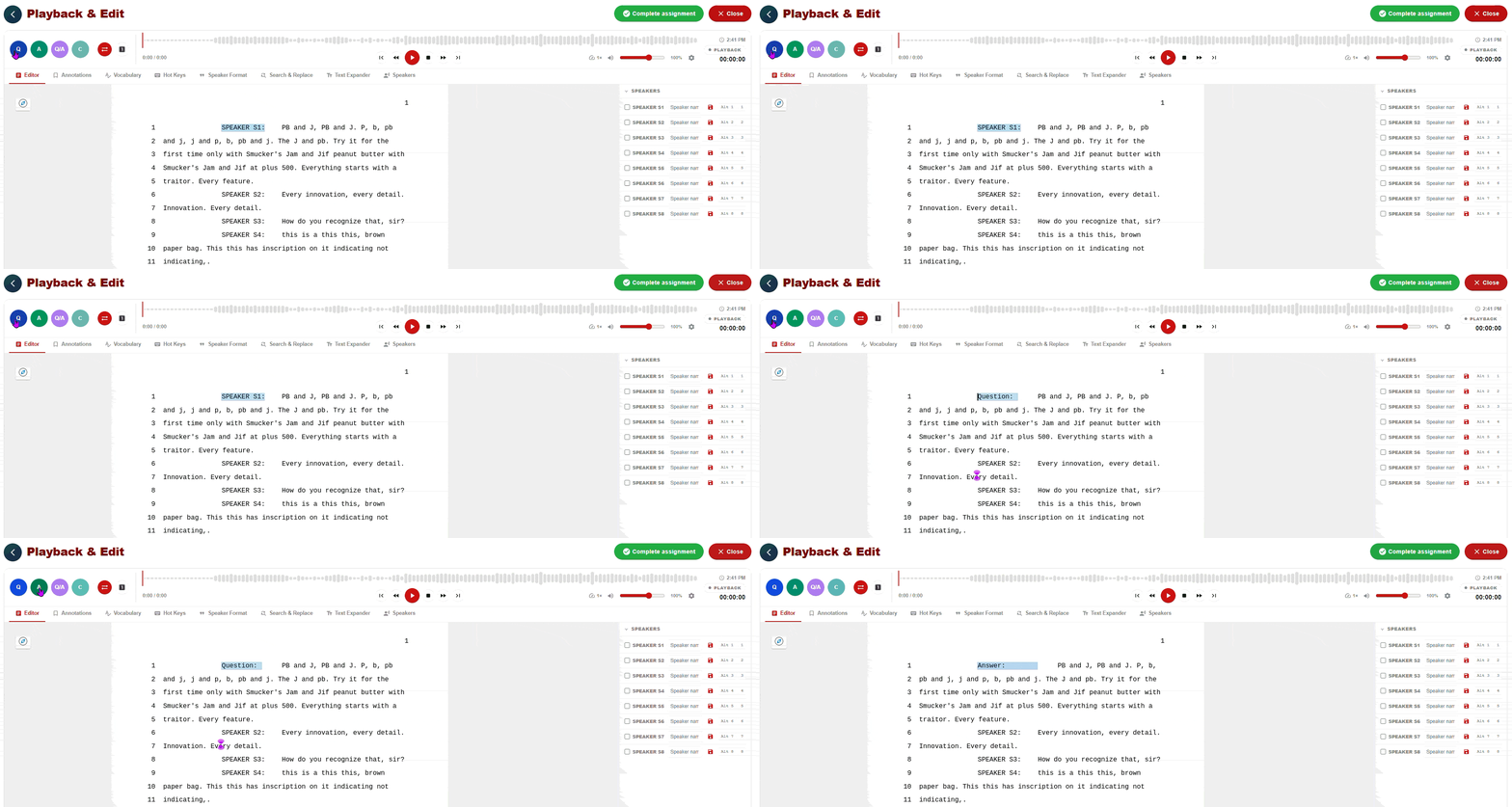
The example below shows the cursor on the Q button, ready to mark the paragraph beginning with SPEAKER S1 as a Question.
Tips
- Label paragraphs as you go rather than at the end. It’s easier to judge who is speaking while the audio is fresh.
- If a paragraph looks wrong within the finished transcript, then check its label first. The formatting comes from your organization’s template, so the label is usually the fix.
- Not sure whether an exchange is colloquy? If it isn’t a question put to the witness or the witness’ response, it’s likely colloquy.