![Loom_Analytics_Logo_Transparent.png]](https://support.loomanalytics.com/hs-fs/hubfs/Loom_Analytics_Logo_Transparent.png?height=40&name=Loom_Analytics_Logo_Transparent.png)
NOTE: You will need a Loom Analytics account to be able to follow along with this guide. If you haven't created a Loom Analytics account, click here to learn how.
This article provides a simple guide on how to submit a new general conversation file through Loom Analytics for transcription. Follow the steps below to get your general conversation recordings transcribed.
Go to "Upload Audio/Video" and choose "Conversation Profile"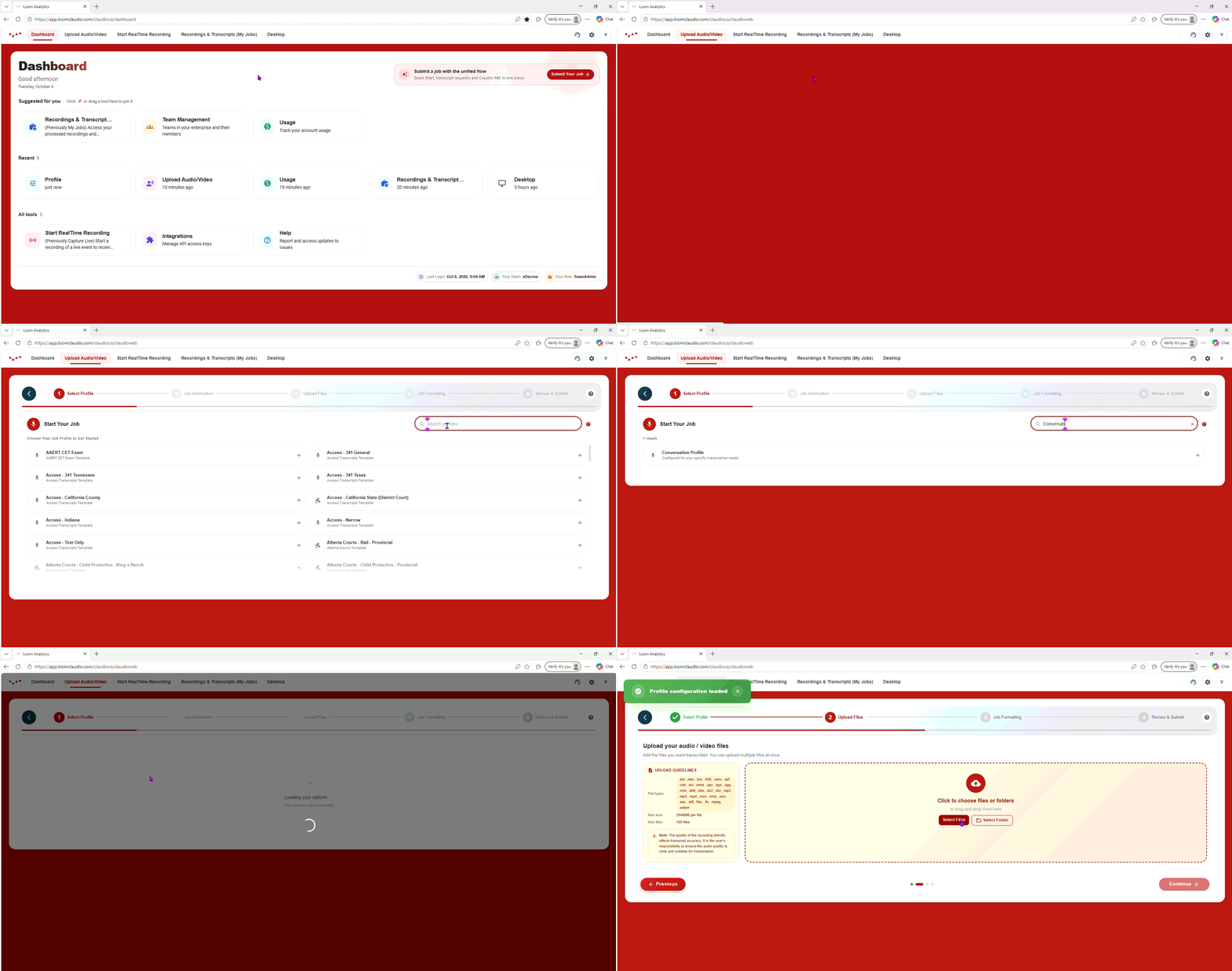 Select your recording of the conversation, and then click "Continue"
You can also modify where the transcript should start and where it should end by changing the "Start Time" and "End Time" values
Click "Continue" Customize your transcript by selecting your preferred Smart Formatting options
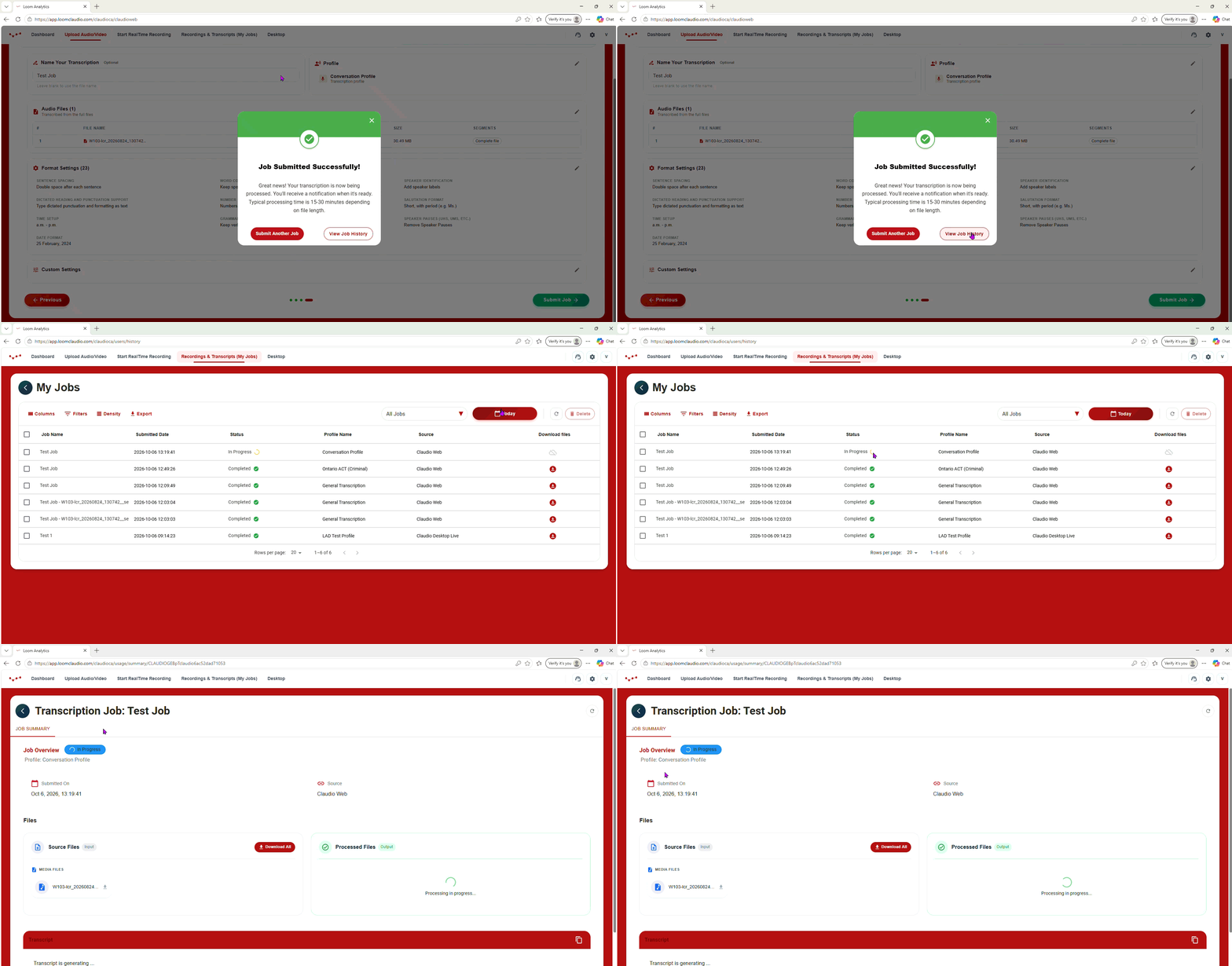
Name your file, and then click "Submit Job" Navigate to the My Jobs tab to access your transcript
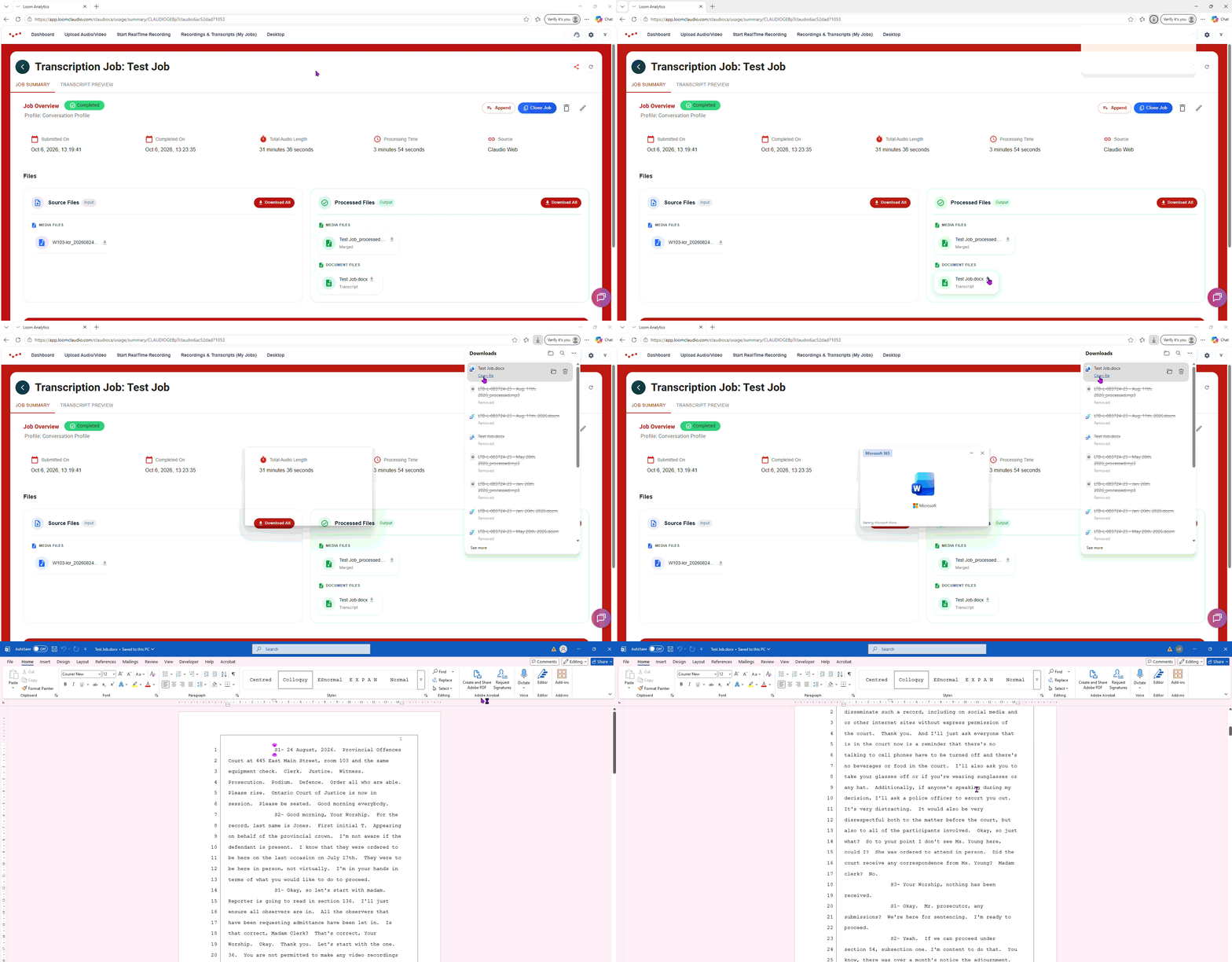
Download your transcript and begin editing