![Loom_Analytics_Logo_Transparent.png]](https://support.loomanalytics.com/hs-fs/hubfs/Loom_Analytics_Logo_Transparent.png?height=40&name=Loom_Analytics_Logo_Transparent.png)
To submit a new transcription job:
-
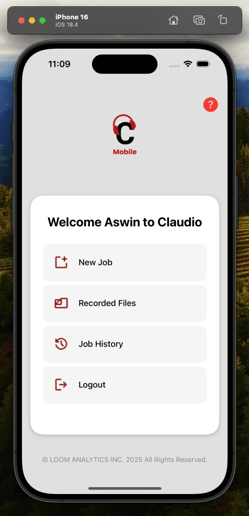
From the Dashboard, tap New Job.
-
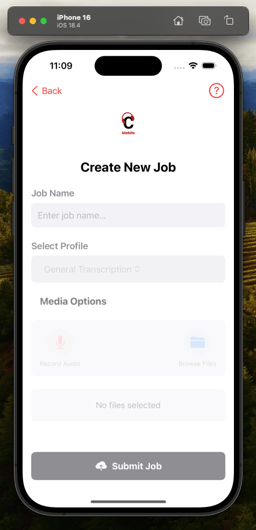
Enter a Job Name and select a Profile (e.g., legal, general).
-
Choose your input:
-
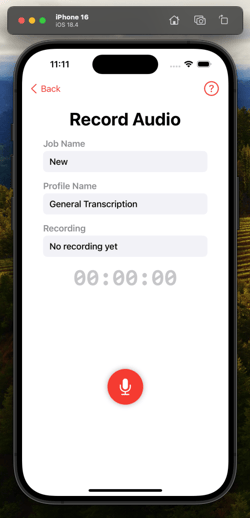
Record Audio using the in-app recorder, OR
-
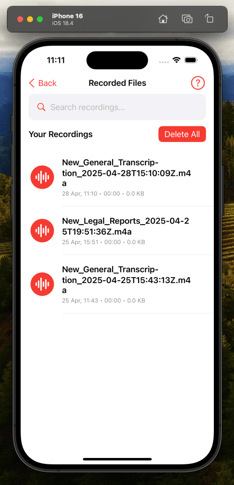
Browse Files to upload from your device.
-
-
Review selected files, adjust if necessary, and tap Submit Job.
Note: Claudio Mobile supports standard audio formats like .m4a, .mp3, and .wav.