![Loom_Analytics_Logo_Transparent.png]](https://support.loomanalytics.com/hs-fs/hubfs/Loom_Analytics_Logo_Transparent.png?height=40&name=Loom_Analytics_Logo_Transparent.png)
Recording Audio
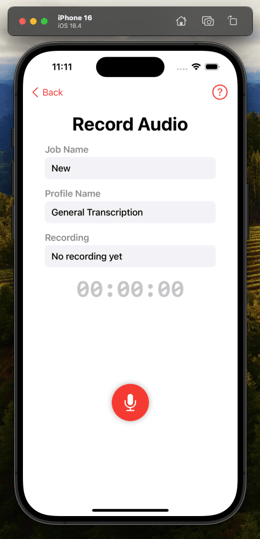
- Access the in-app Recorder to capture high-quality audio.
- Use intuitive controls to Pause, Resume, or Stop recording.
- Save and preview recordings before uploading.
Note: Ensure microphone permissions are granted for recording functionality.
Manage Recordings
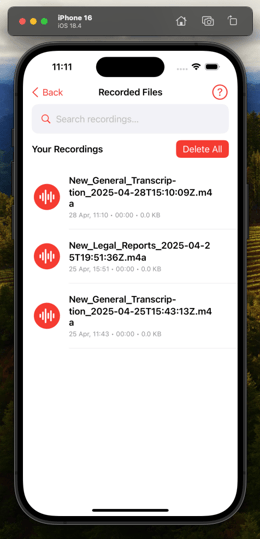
- Access Recorded Files from the Dashboard.
- View, search, play, and manage saved recordings.
- Select multiple files for deletion or clear all recordings when needed.
Warning: Deleting recordings is permanent and cannot be undone.