![Loom_Analytics_Logo_Transparent.png]](https://support.loomanalytics.com/hs-fs/hubfs/Loom_Analytics_Logo_Transparent.png?height=40&name=Loom_Analytics_Logo_Transparent.png)
Login to Claudio Desktop and follow below steps to get Claudio Web profiles on Claudio Desktop
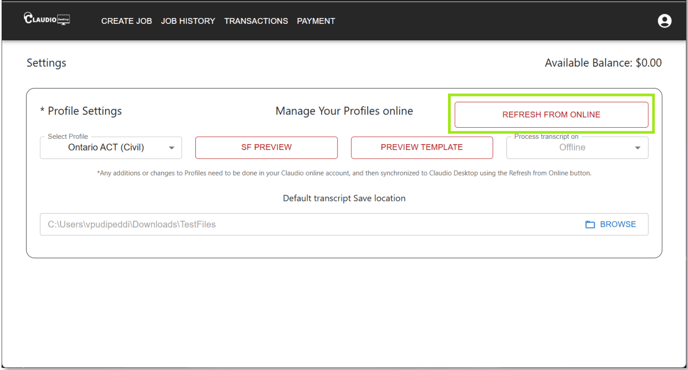
- Click the Settings icon in the top-right corner of the app.
- Click ‘Refresh Profiles from Online Account’.
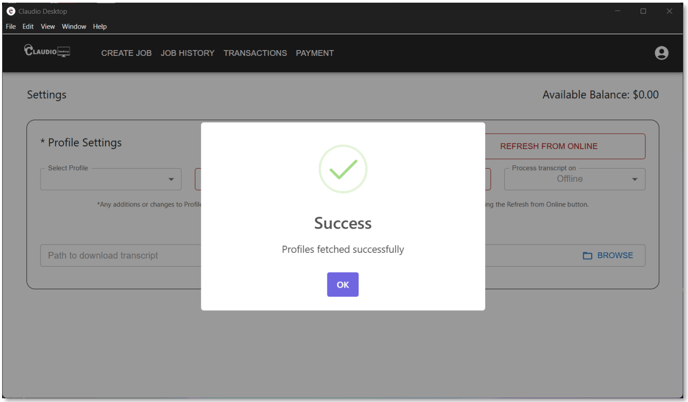
- A message will appear saying Profiles Fetched Successfully.
- Click OK and wait for a minute while the changes are reflected.
- The updated profiles will appear in Claudio Desktop and can be used to transcribe jobs.