![Loom_Analytics_Logo_Transparent.png]](https://support.loomanalytics.com/hs-fs/hubfs/Loom_Analytics_Logo_Transparent.png?height=40&name=Loom_Analytics_Logo_Transparent.png)
In your browser of choice, either go to google.com and type "VIQ player" in the search-bar or head over to the VIQ Player Download Page and download the latest version of VIQ player.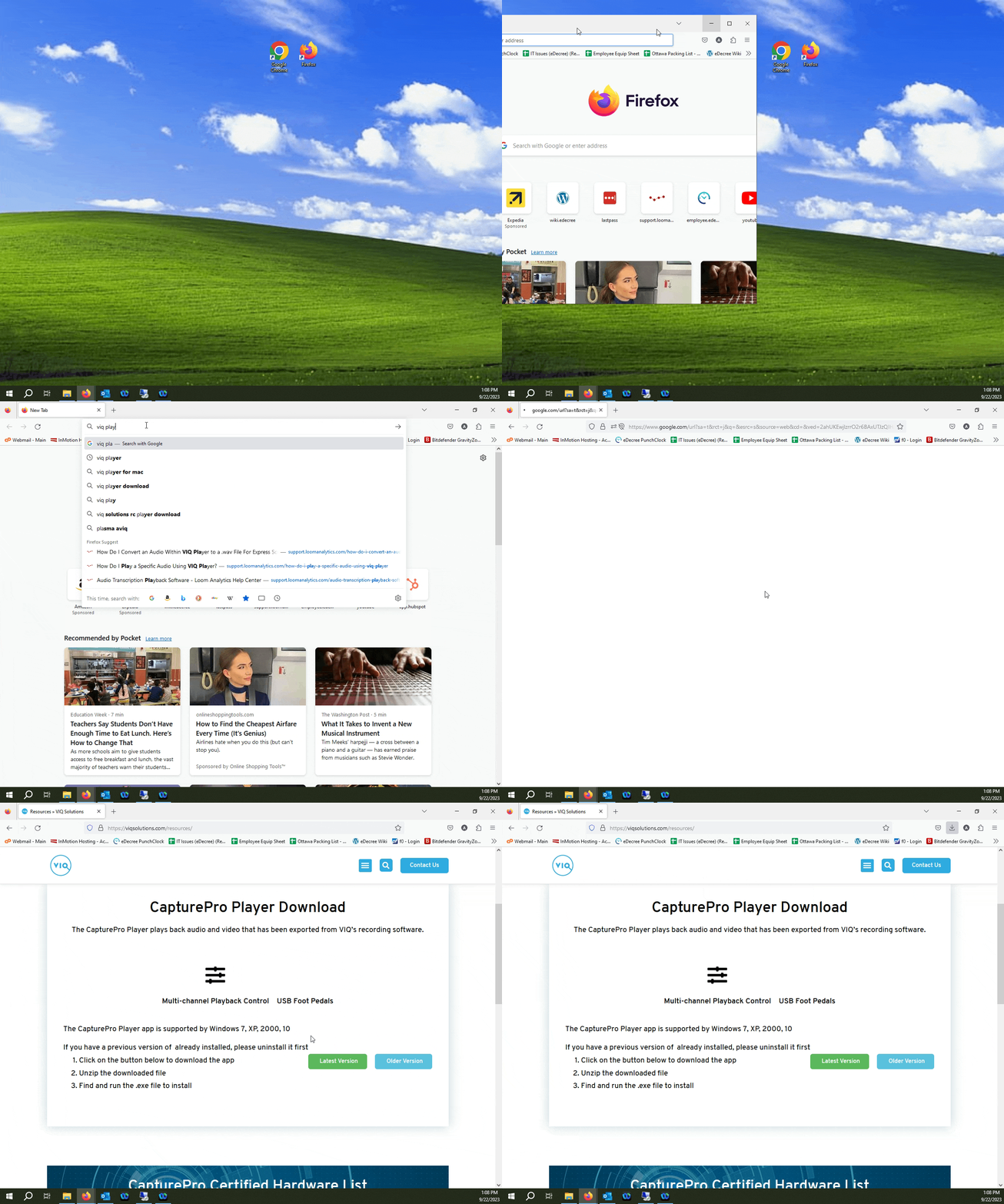
Once you download the .ZIP file, extract it's contents into a folder somewhere on your local drive.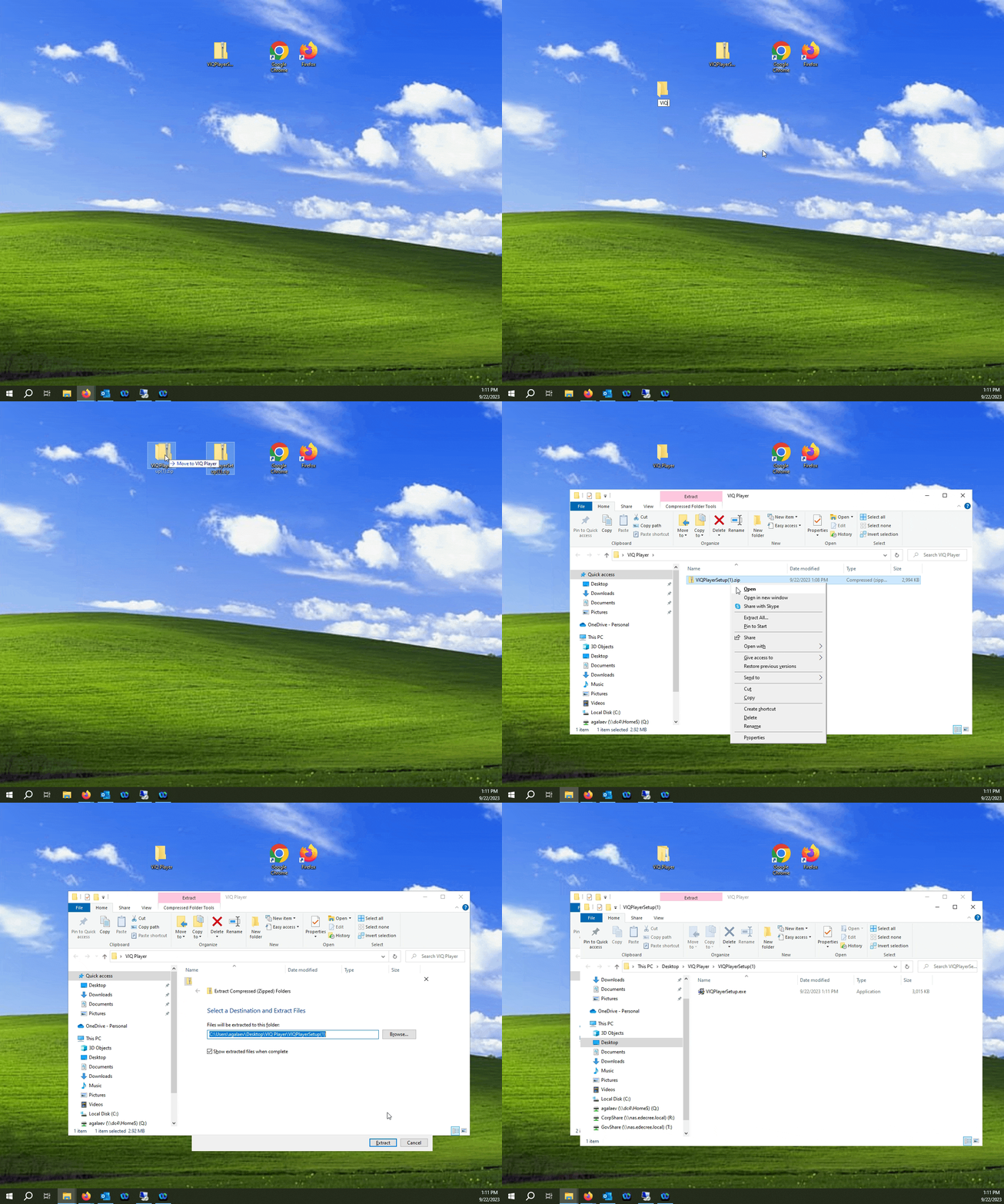
Run the file VIQPlayerSetup.exe and follow the prompts.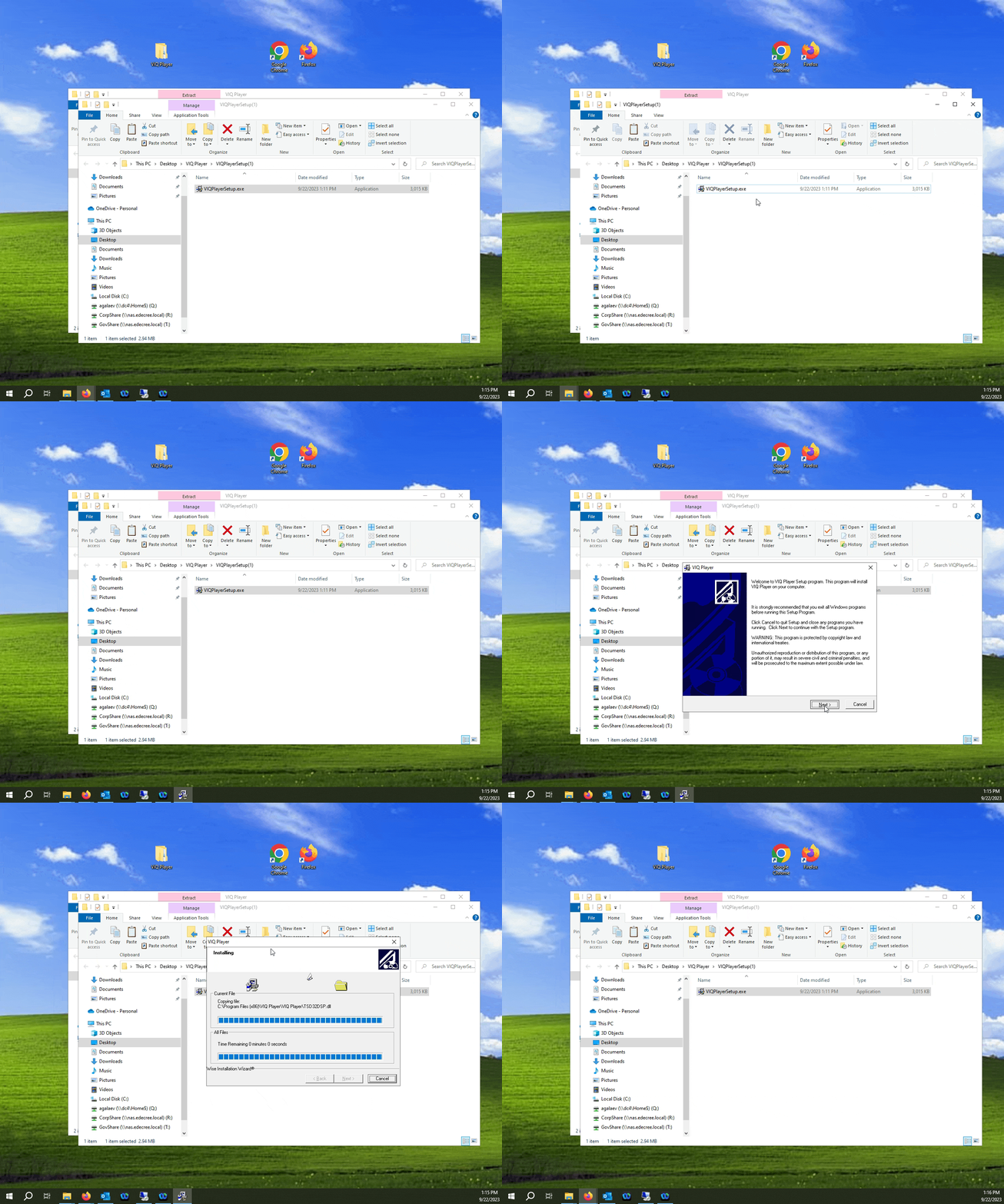
Thats it! VIQ player is now installed on your computer.
.